New Mexico Security Camera Laws: Home, Business, and HOA Rules (2026)
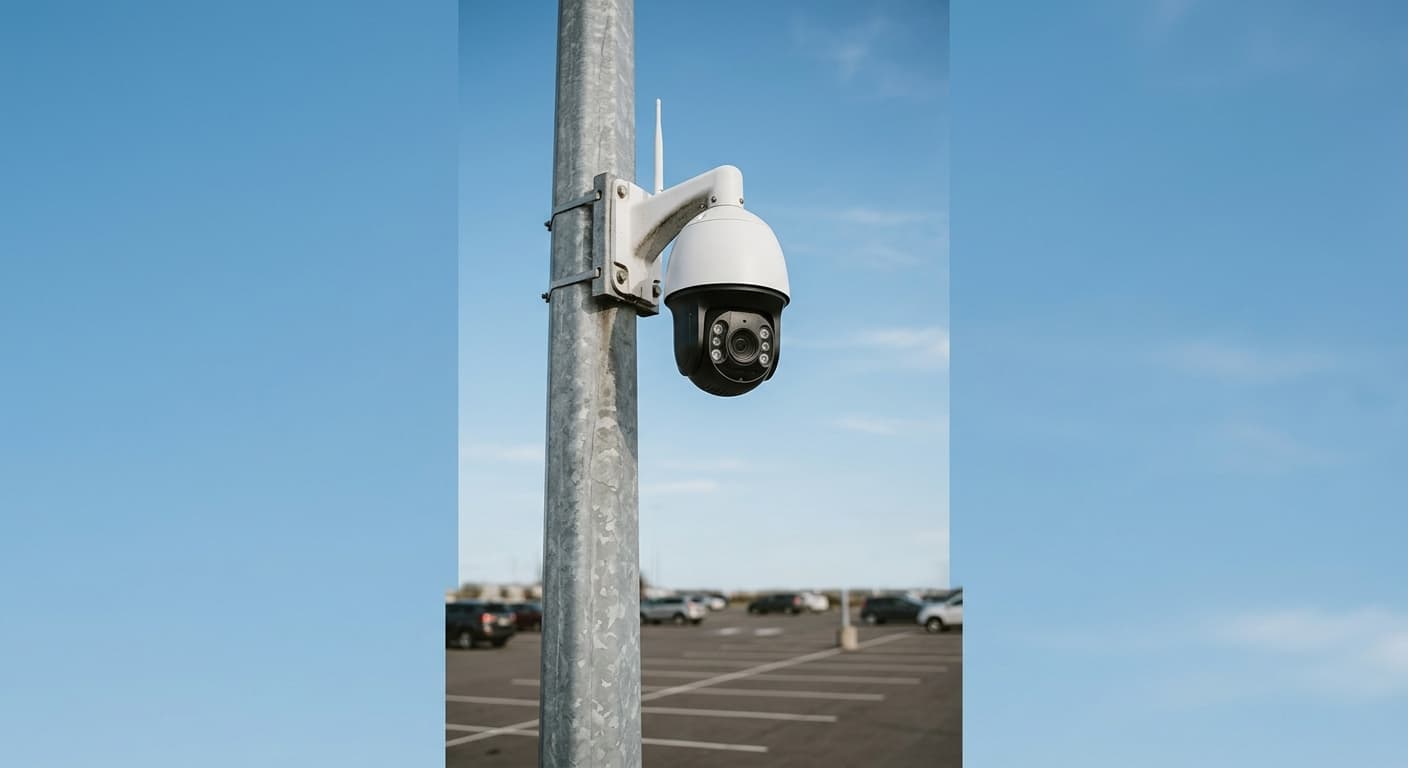
New Mexico does not have a comprehensive state statute specifically regulating the installation and use of security cameras. Residents and businesses can install surveillance systems without obtaining permits or registering with any government agency. However, other laws, including the voyeurism statute under N.M. Stat. Ann. § 30-9-20 and general privacy principles, place limits on where cameras can be aimed and what they can record.
This guide covers everything you need to know about security camera laws in New Mexico, including residential camera rules, business surveillance requirements, audio recording by security cameras, HOA restrictions, and neighbor dispute resolution.
Residential Security Cameras
Your Right to Install Cameras on Your Property
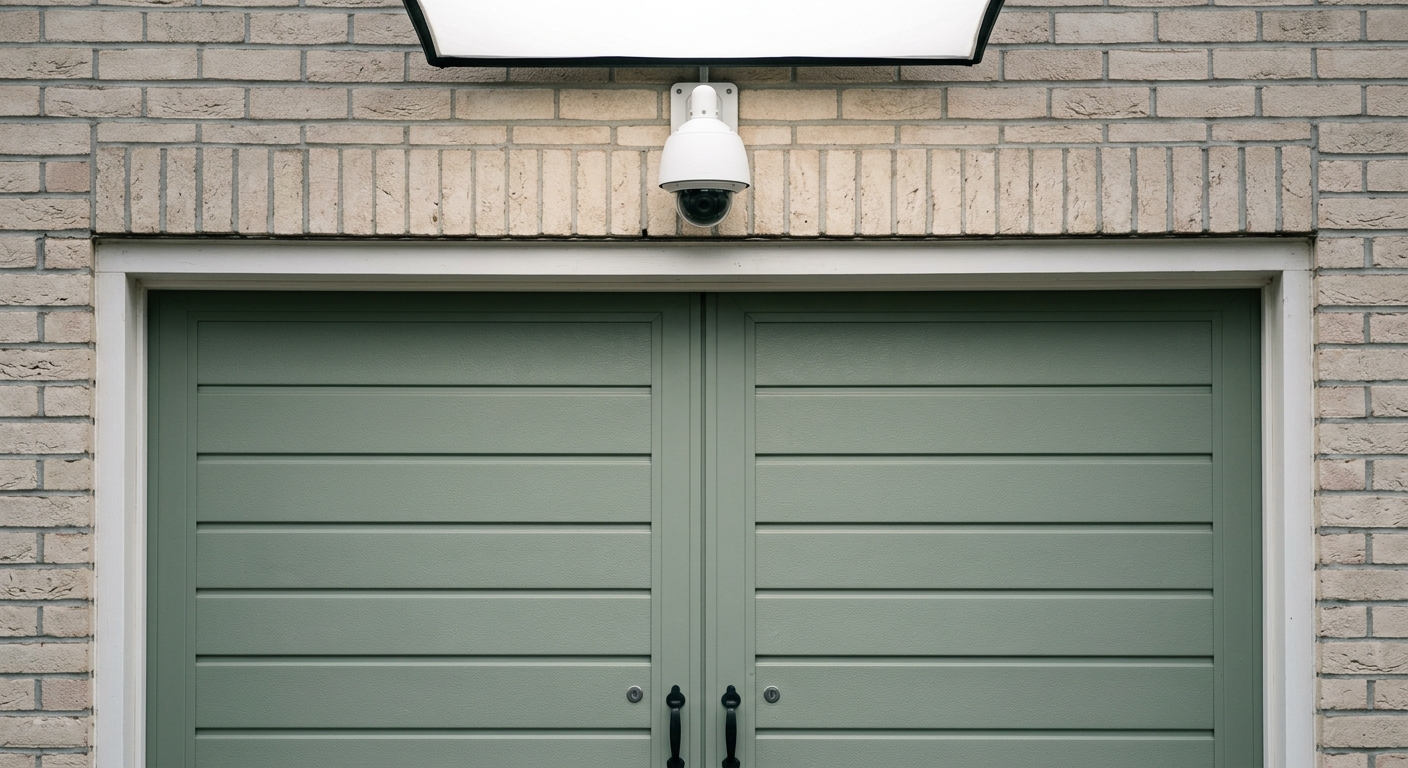
New Mexico homeowners can install security cameras on their own property without government permission. You can place cameras:
- On the exterior of your home (doorbell cameras, porch cameras, driveway cameras)
- In interior common areas (living rooms, kitchens, hallways, garages)
- Aimed at your own yard, driveway, and walkways
- Covering entry points (front door, back door, windows, gates)
Where You Cannot Aim Cameras
Security cameras must respect the privacy of others. You should not:
- Aim cameras directly into a neighbor's windows, bedrooms, or bathrooms
- Position cameras to capture private areas of adjacent properties (pools with privacy fencing, enclosed patios)
- Install cameras in guest bathrooms or guest bedrooms without disclosure
- Use cameras with powerful zoom capabilities to surveil neighboring properties
Cameras aimed at areas where others have a reasonable expectation of privacy may violate the voyeurism statute under N.M. Stat. Ann. § 30-9-20 or give rise to civil invasion of privacy claims.
Nanny Cams and Indoor Cameras
Nanny cameras and indoor security cameras are legal in New Mexico in common areas of your home. You can use hidden or visible cameras in:
- Living rooms and family rooms
- Kitchens and dining areas
- Playrooms and nurseries
- Home offices
- Garages and basements
You should not place cameras in bathrooms, guest bedrooms, or any area where a caregiver or visitor would reasonably expect privacy.
Audio Recording on Security Cameras
Many modern security cameras include audio recording capabilities. Under New Mexico's wiretapping statute (N.M. Stat. Ann. § 30-12-1), only "telegraph or telephone" communications are covered. In-person conversations captured by security cameras are not regulated by the wiretap statute.
This means security camera audio recording of face-to-face conversations in New Mexico does not require consent from the people being recorded. However, best practice is to post signs informing visitors that audio and video recording is in progress.
Business Security Cameras
Employer and Business Owner Rights
New Mexico businesses can install security cameras in areas where employees and customers do not have a reasonable expectation of privacy:
- Retail floors and sales areas for theft prevention
- Cash registers and checkout areas for transaction monitoring
- Warehouses and loading docks for inventory control
- Parking lots and exterior areas for safety
- Lobbies and reception areas for visitor management
- Hallways and common corridors for general security
Areas Where Business Cameras Are Prohibited
Businesses cannot install cameras in:
- Employee bathrooms and restrooms
- Locker rooms and changing areas
- Nursing and lactation rooms
- Customer dressing rooms and fitting rooms
- Medical examination areas
Placing cameras in these locations violates the voyeurism statute and can result in criminal charges and civil liability.
Signage and Notification
New Mexico does not require businesses to post signs about security cameras. However, posting "Premises under video surveillance" signs is recommended because it:
- Deters theft and vandalism
- Provides notice to employees and customers
- Strengthens the legal position if footage is needed as evidence
- Demonstrates good faith in privacy practices
HOA and Community Rules
HOA Restrictions on Security Cameras
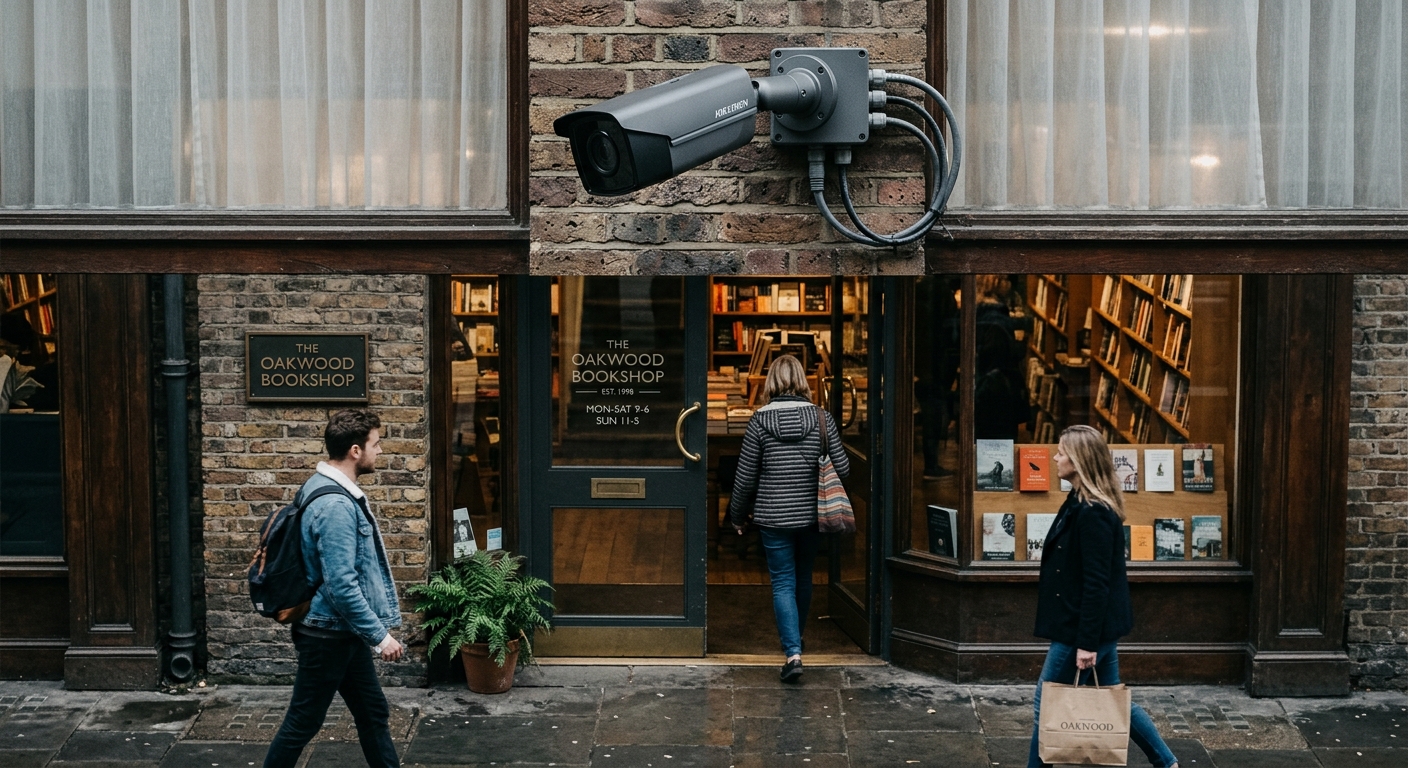
Homeowners' associations in New Mexico can establish rules about security camera installation in common areas and on the exteriors of homes within the community. Common HOA restrictions include:
- Limits on the size and visibility of exterior cameras
- Requirements for camera placement that does not affect community aesthetics
- Prohibitions on cameras aimed at common areas managed by the HOA
- Rules about camera mounting locations on building exteriors
Review your HOA's covenants, conditions, and restrictions (CC&Rs) before installing exterior cameras. Violations of CC&Rs can result in fines or mandatory removal of cameras.
HOA Common Area Surveillance
HOAs can install security cameras in community common areas such as:
- Pool areas (exterior, not changing rooms)
- Clubhouses and fitness centers
- Parking garages and lots
- Entry gates and lobby areas
- Mail rooms and package delivery areas
Neighbor Disputes Over Security Cameras
Common Conflicts
Security camera disputes between neighbors typically involve:
- Cameras aimed at a neighbor's yard, windows, or private areas
- Cameras that record a neighbor's driveway or front door
- Audio recording that captures neighbor conversations
- Bright infrared lights that disturb neighbors at night
Resolution Steps
- Talk to your neighbor directly about your concerns
- Review local ordinances for any municipal camera regulations
- Request mediation through a local dispute resolution service
- Consult the New Mexico Attorney General's office for guidance on privacy rights
- File a civil lawsuit for invasion of privacy if cameras clearly record private areas
- Contact law enforcement if cameras constitute voyeurism under § 30-9-20
What Courts Consider
New Mexico courts evaluating security camera disputes consider:
- Whether the camera captures areas where the plaintiff has a reasonable expectation of privacy
- Whether the camera serves a legitimate security purpose
- Whether the camera could be repositioned to address security needs without invading privacy
- The severity of the privacy intrusion
Ring Doorbells and Smart Cameras
Legal Status in New Mexico
Ring doorbells, Nest cameras, Arlo cameras, and similar smart home devices are legal in New Mexico. These devices typically record the area immediately around your front door, porch, and walkway.
Law Enforcement Access
Law enforcement in New Mexico can request security camera footage from homeowners, but homeowners are not required to provide it without a warrant or court order. Some smart camera companies have policies about law enforcement data requests. Review your device manufacturer's privacy policy to understand how they handle government requests.
Data Storage and Privacy
Smart security cameras that store footage in the cloud are subject to the terms of service of the cloud provider. Consider:
- How long footage is retained
- Who has access to stored footage
- Whether footage can be shared with law enforcement without your consent
- Encryption and security measures for stored data
Using Security Camera Footage as Evidence
Security camera footage is commonly used as evidence in New Mexico courts for:
- Property crime cases (burglary, theft, vandalism)
- Personal injury claims (slip and fall, dog bites)
- Domestic disputes and protective order proceedings
- Traffic accidents captured by exterior cameras
- Insurance claims
To maximize the evidentiary value of security camera footage, preserve the original file, document the camera's location and settings, and provide footage to law enforcement or your attorney promptly.
More New Mexico Recording Laws
Audio Recording | Video Recording | Voyeurism & Hidden Cameras | Workplace Recording | Recording Police | Phone Call Recording | Security Cameras | Recording in Public | Landlord-Tenant | Dashcam Laws | Schools | Medical Recording
Sources and References
- N.M. Stat. Ann. § 30-12-1(nmonesource.com).gov
- NM Attorney General(nmag.gov).gov
- NM Legislature(nmlegis.gov).gov
- FTC Home Security(ftc.gov).gov